





Airtable
A smart table to track your brands, clients and content.What is Airtable?
Airtable looks like a spreadsheet, but every row is a real record: a brand, a contact, a collaboration, a piece of content. You can add choice lists, dates, links and attachments, and show the same data as a table, a calendar or columns.
For a creator working with brands or clients, it mostly keeps track of everything: who you contacted, when to follow up, where each collaboration stands, what has been paid. You no longer dig through your messages to find a piece of information.
You can start for free. Paid plans add more rows, more options and teamwork. If you're looking for a notes and planning space instead, look at Notion: the two complement each other well.
What it looks like
How to set up Airtable
Pick the assistant you already use. You connect it to Airtable, copy the prompt, and it builds your workspace with you.
I'm a content creator and I want to track my brand collaborations in Airtable. Use the Airtable connector to create the tables directly in my base.

Before creating anything, ask me one question at a time: how many brands I work with, what I want to track (contact, status, rate, dates, payment), and whether I work alone or with someone.

Then show me the plan and wait for my approval before creating. The structure:
1) a “Brands” table (name, contact, email, status, next follow-up),
2) a “Collaborations” table (brand, deliverables, deadline, amount, payment received),
3) a “To follow up this week” view.

Keep the structure as simple as possible. Once it's created, tell me where to find each table and give me a 5-minute checklist to do every week.
I'm a content creator and I want to track my brand collaborations in Airtable. Use the connected Airtable app to create or update the tables in my base.

Before creating anything, ask me one question at a time: how many brands I work with, what I want to track (contact, status, rate, dates, payment), and whether I work alone or with someone.

Then show me the plan and wait for my approval before creating. The structure:
1) a “Brands” table (name, contact, email, status, next follow-up),
2) a “Collaborations” table (brand, deliverables, deadline, amount, payment received),
3) a “To follow up this week” view.

If you can't create a table yourself, tell me clearly and give me the columns to create by hand, one by one. Keep the structure as simple as possible. At the end, give me a 5-minute checklist to do every week.
What it changes in your daily life
Airtable gives you a reliable memory for your business. You open your base and you know who to follow up, what to deliver and what to invoice.
No more remembering everything: the information is there, in order.
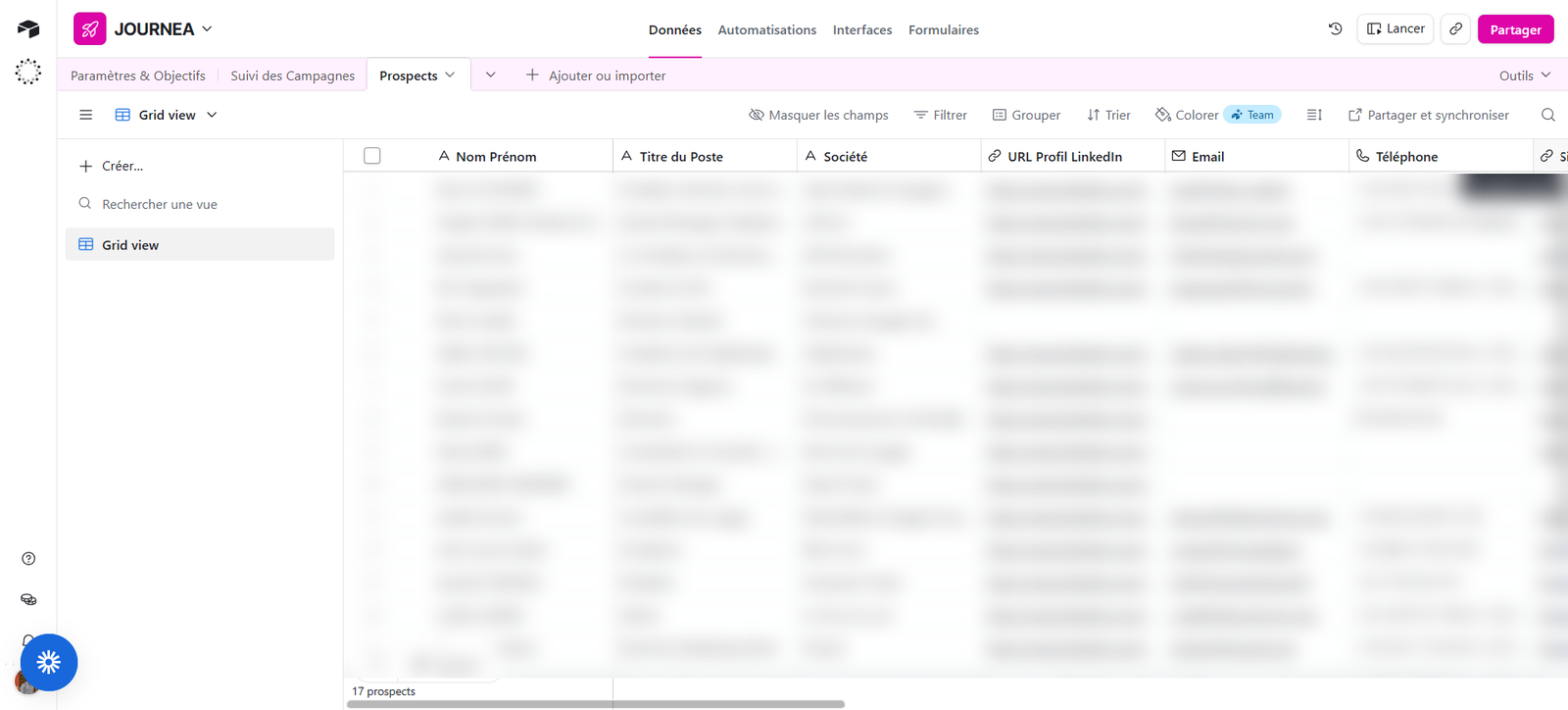
I use Airtable to track my prospects: one row per contact, with the job title, company and links, and views to know who to follow up. It's more powerful than a simple spreadsheet. My advice: start with just two tables, one for brands and one for collaborations, then add the rest when you need it.