






Cal.com
Let your clients book a call with you, with no back-and-forth messages.What is Cal.com?
Cal.com is an online booking tool. You create a meeting type (for example “Free 30-minute call”), connect your calendar, and get a link to share. The person picks a free slot, and the meeting shows up in your calendar, with a video link if you want one.
For a creator, it's very useful as soon as you offer calls: coaching, discovery calls or calls to sell your offer. You put your link in your bio or in a private message, and you no longer need ten messages to find a time.
The free plan lets you get started: unlimited meetings, several calendars, email reminders and payment with Stripe or PayPal. You can also import your meetings from Calendly. The paid plan is mostly useful if you work with other people.
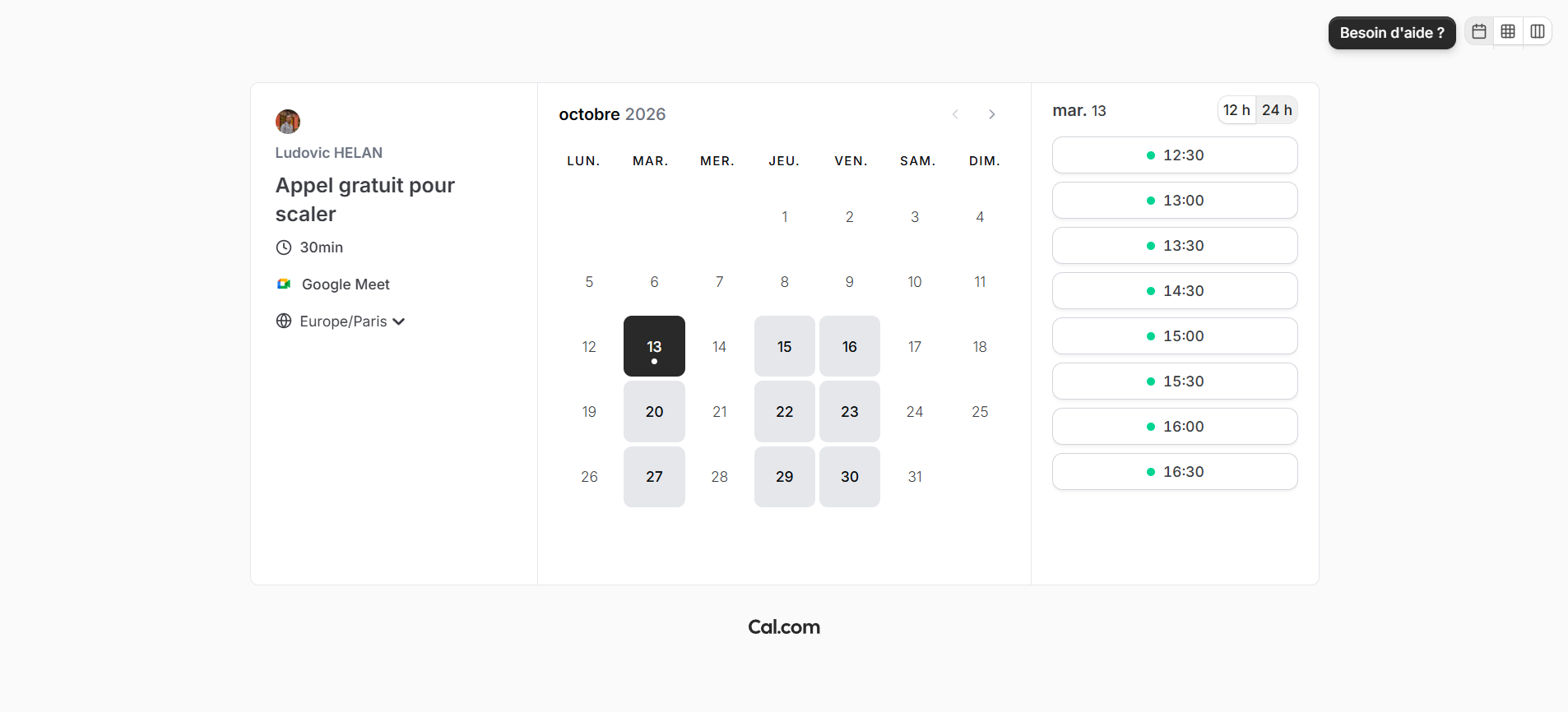
What it looks like
How to set up Cal.com
Pick the assistant you already use. You connect it to Cal.com, copy the prompt, and it builds your workspace with you.
I want to set up Cal.com for my calls with creators. Use the Cal.com connector to create the meeting directly.

Before creating anything, ask me one question at a time: the name of the call, its length, my available days and hours, the video tool I want to use, and what the person should tell me before the call.

Then show me the plan and wait for my approval before creating. Keep the setup as simple as possible, with no needless options. When it's created, give me the link to share and a short message to offer the call.
I want to set up Cal.com for my calls with creators.

Before writing anything, ask me one question at a time: the name of the call, its length, my available days and hours, the video tool I want to use, and what the person should tell me before the call.

Then give me the settings to enter in Cal.com, field by field (title, description, length, location, availability, questions before the call). Keep the setup as simple as possible. Also write a short message to offer the call with my link.
What it changes in your daily life
Cal.com saves you time on one topic, but it comes up often: finding a time. The person books alone, you get the confirmation, and you show up to the call.
Fewer messages going back and forth, more calls that actually happen.
Cal.com is an essential tool if you want to do video calls for coaching and closing. It has more free features than Calendly, its competitor. It's also easy to pick up and you can set everything up easily. For me, it took 5 minutes 😉