


CapCut
Edit your short videos without being an editor.What is CapCut?
CapCut is a video editing app that works on computer, phone and in the browser. You import your videos, cut, add text, music, effects and subtitles, then export in the right format for your networks.
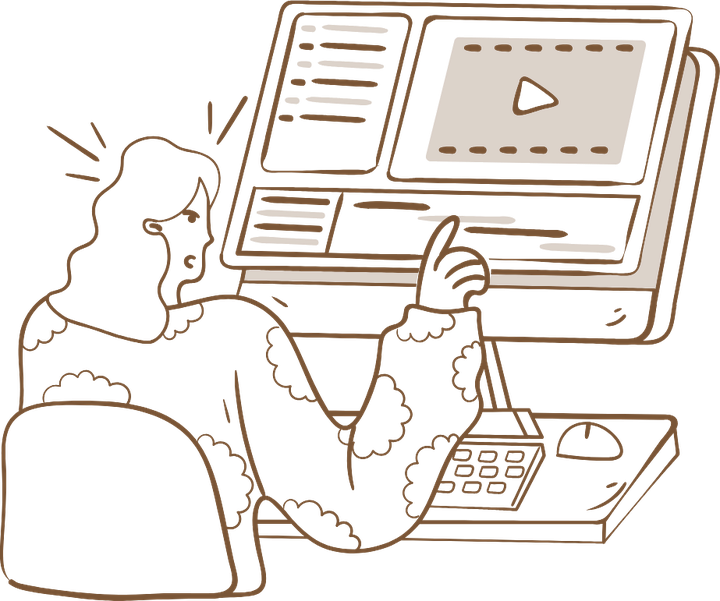
For a creator, it's mostly about speed: a clear timeline, automatically generated subtitles, templates for short formats. You can edit a reel or a TikTok without having learned editing.
You can start for free with the basic tools. The Pro plan adds effects and advanced features, only if you need them later.
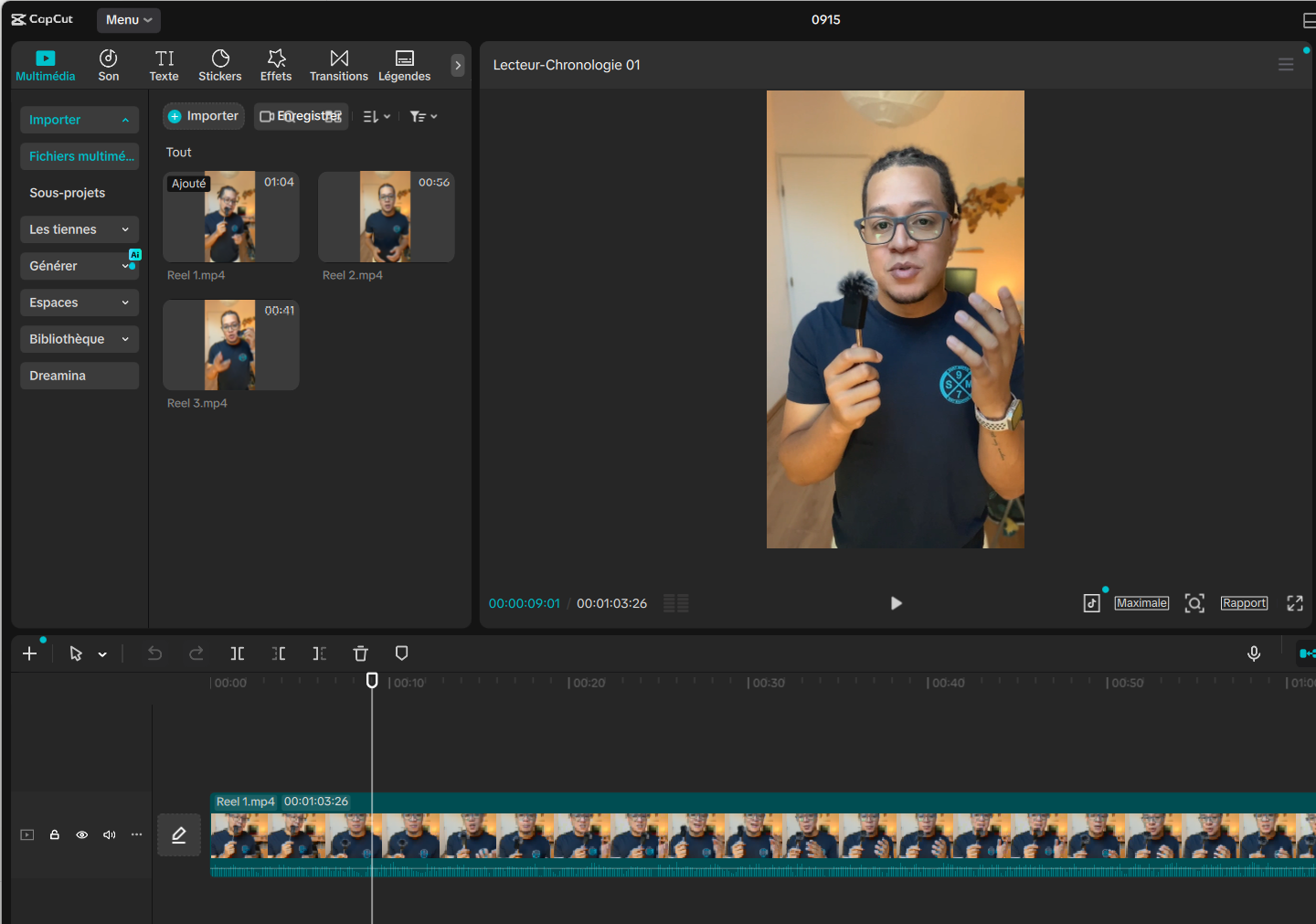
What it looks like
How to set up CapCut
Pick the assistant you already use. You connect it to CapCut, copy the prompt, and it builds your workspace with you.
I'm a content creator and I want to prepare a short video (30 to 45 seconds) that I'll edit in CapCut.

Before writing anything, ask me one question at a time: my topic, the person I want to help, the platform (Instagram, TikTok, YouTube Shorts) and my tone.

Then write me: 1) a 3-second hook, 2) a short script in simple sentences, 3) an editing plan sequence by sequence (when to cut, when to show text), 4) a caption for the post. Keep a fast pace, with no unnecessary sentences.
I'm a content creator and I want to prepare a short video (30 to 45 seconds) that I'll edit in CapCut.

Before writing anything, ask me one question at a time: my topic, the person I want to help, the platform (Instagram, TikTok, YouTube Shorts) and my tone.

Then write me: 1) a 3-second hook, 2) a short script in simple sentences, 3) an editing plan sequence by sequence (when to cut, when to show text), 4) a caption for the post. Keep a fast pace, with no unnecessary sentences.
What it changes in your daily life
CapCut takes you from the raw file to a video ready to publish in little time. You import, cut, subtitle, export.
Less time in front of the timeline, more videos published.
CapCut is the tool I edit my reels with. The automatic subtitles and the clear timeline save me a lot of time. My advice: always edit in the same format and reuse your structure from one video to the next.